Introduction
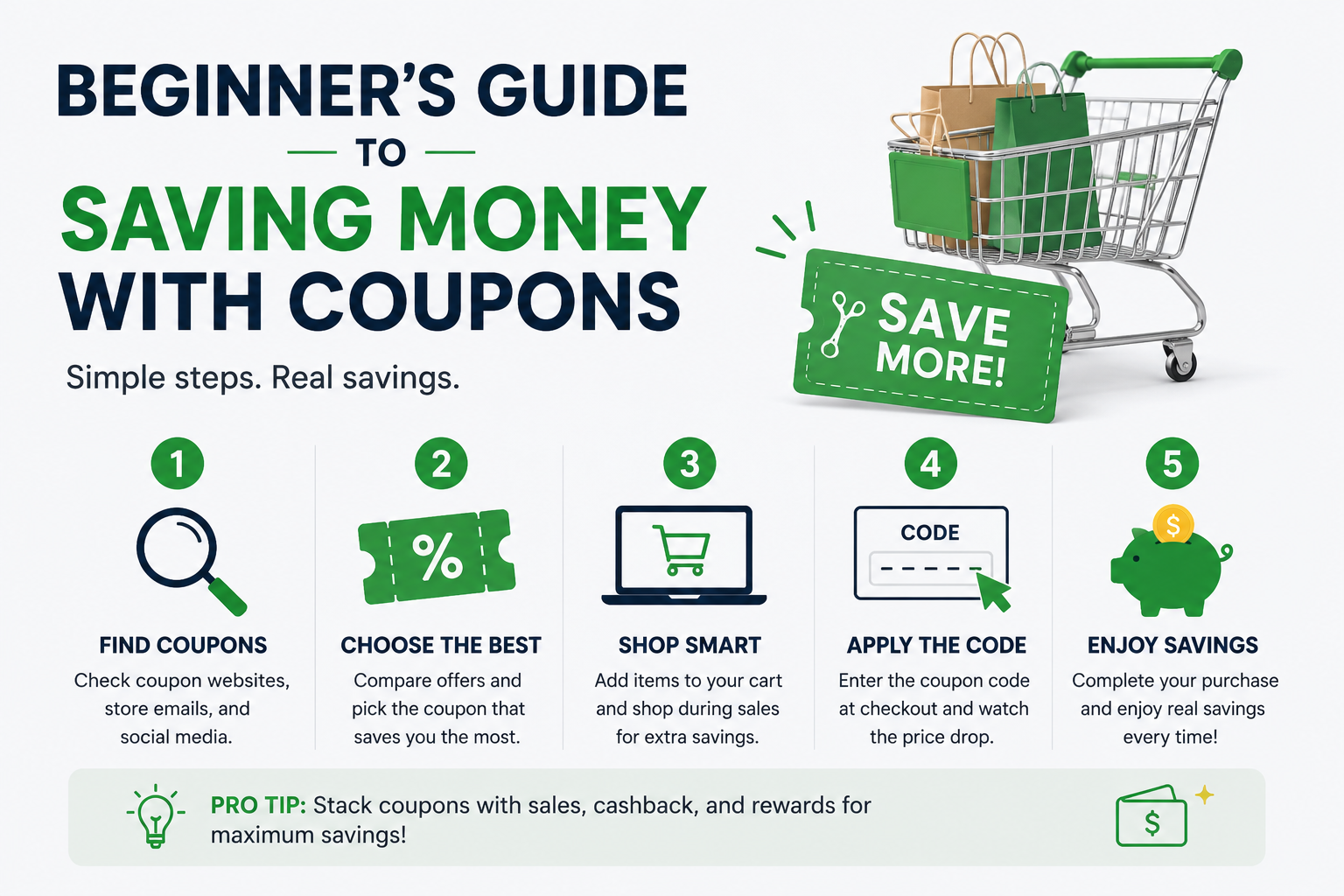
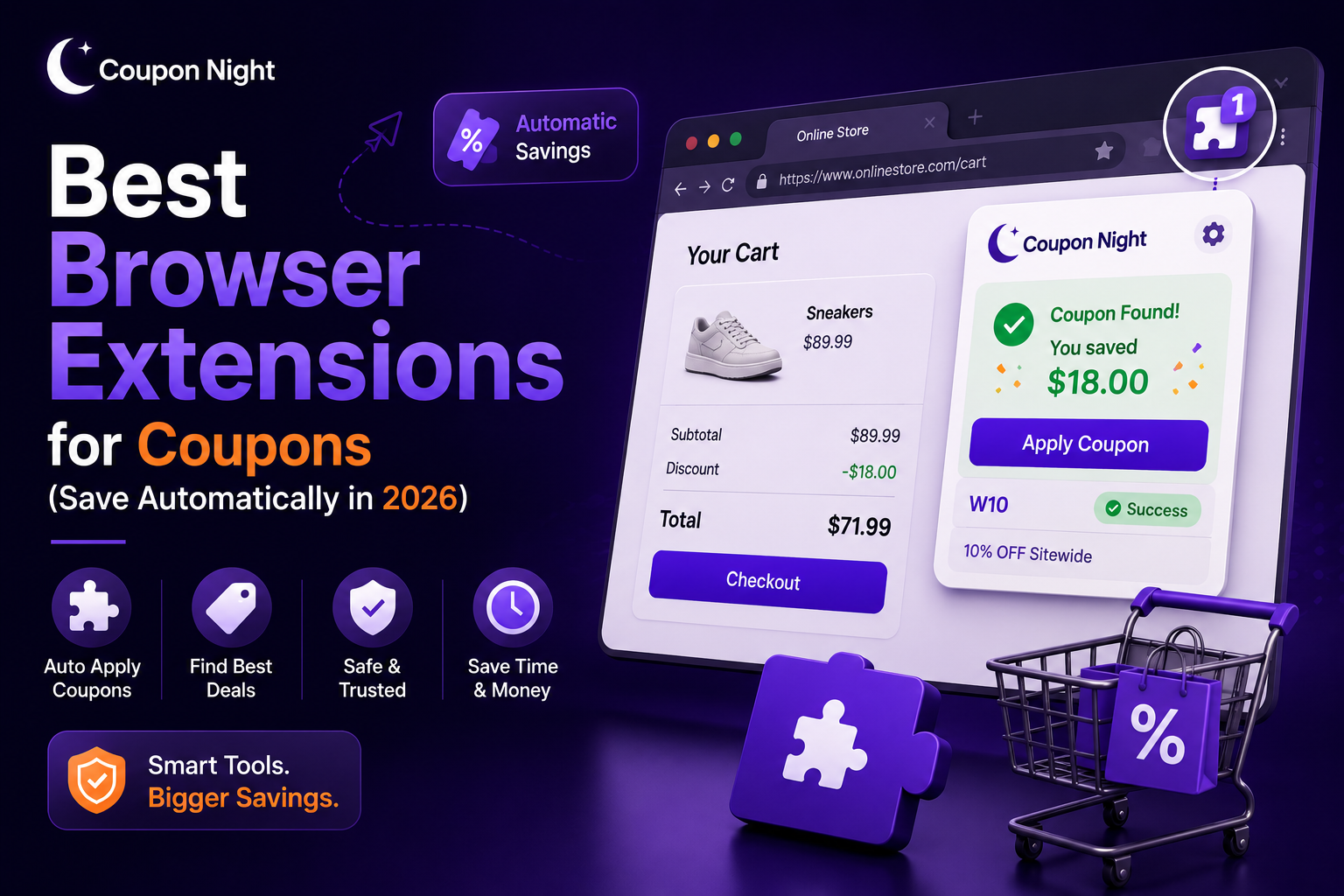
Searching for coupon codes can be a pain, especially when most of them don’t even work. That’s where browser extensions come in. They automatically find and apply working codes while you shop, saving you both time and money. If you shop online regularly, using the right extension can make a huge difference.
1. Honey
Honey is one of the most popular coupon extensions around. It automatically tests multiple codes at checkout and applies the best one. It also gives you cashback on purchases at select stores.
Best for: Automatic coupon application and ease of use.
2. Rakuten
Rakuten is more focused on cashback, but it also has coupon features. You earn a percentage of your purchase back when you shop at partnered stores.
Best for: Cashback + coupon combination.
3. Capital One Shopping
This extension compares prices across different websites to find you better deals. It also applies available promo codes automatically at checkout.
Best for: Price comparison and savings.
4. Coupert
Coupert offers automatic coupon testing and cashback features. It works on many international websites, making it a great option for global shoppers.
Best for: Global shoppers looking for deals.
5. RetailMeNot Deal Finder
RetailMeNot’s browser extension automatically applies coupon codes from its extensive database of deals.
Best for: Access to a wide range of coupon listings.
6. Slickdeals Extension
Slickdeals is more about finding trending deals than just applying coupons. This extension alerts you to discounts while browsing.
Best for: Finding trending deals.
7. CouponCabin Sidekick
CouponCabin combines coupon codes with cashback opportunities. It activates deals automatically when available.
Best for: Extra savings through cashback.
8. Piggy
Piggy helps you earn rewards and find coupons while shopping. It runs in the background and suggests deals as you browse.
Best for: Reward-based savings.
9. Karma
Karma tracks prices and sends you alerts when prices drop. It also helps apply coupons when available.
Best for: Price tracking and timing purchases.
10. Microsoft Edge Coupons
Microsoft Edge has a built-in coupon feature that automatically applies discounts without needing any extra installation.
Best for: Simple built-in savings.
How These Extensions Work
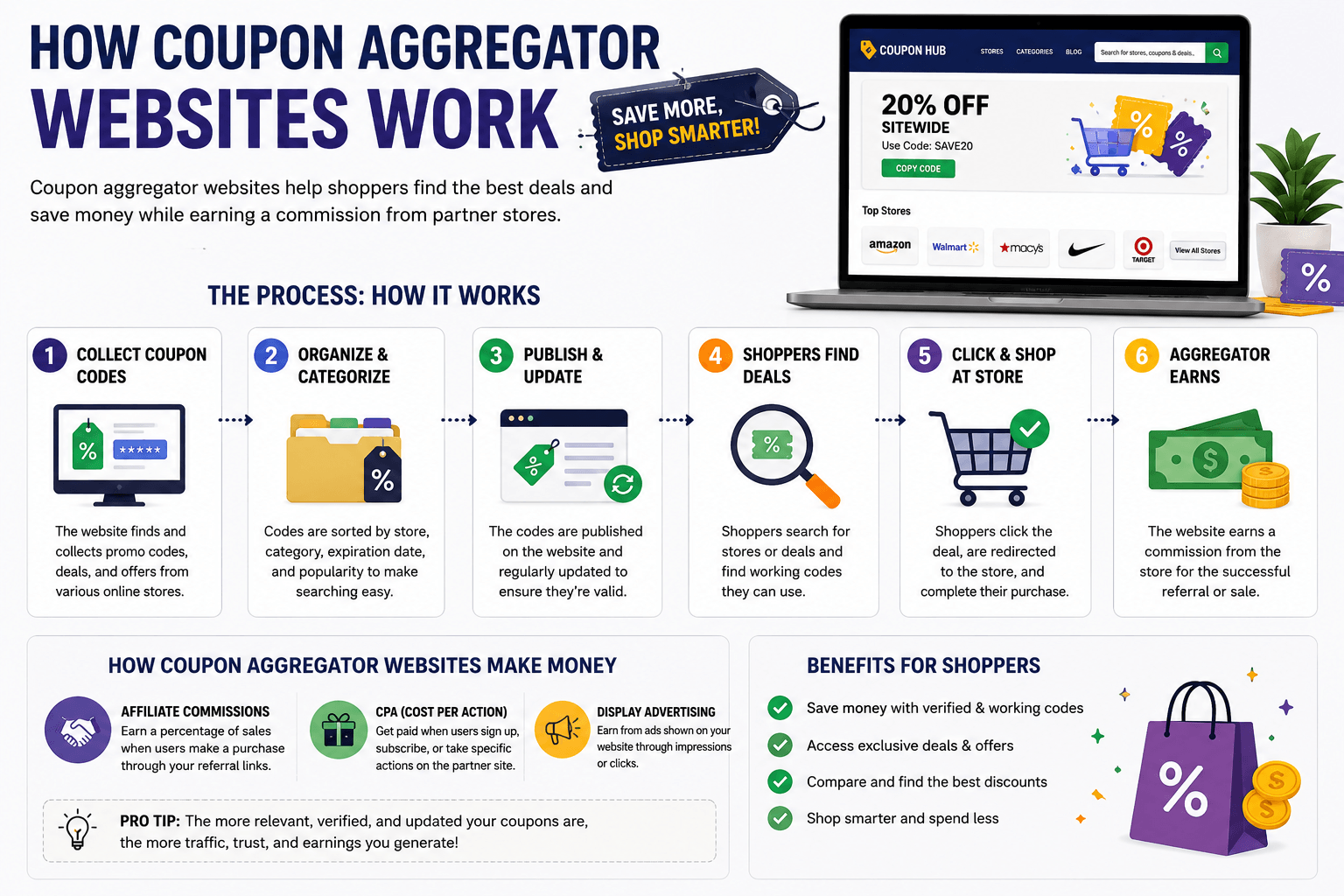
Most coupon extensions follow a simple process:
They scan available coupon databases
Test multiple codes at checkout
Apply the best working discount automatically
No more manually searching or testing codes yourself.
Are Coupon Extensions Safe?
Most popular extensions are safe if you download them from official sources. However, here’s what you should do:
Avoid unknown or low-rated extensions
Check permissions before installing
Stick to trusted names
When to Use Coupon Extensions
When shopping on major online stores
During seasonal sales
When you want quick savings without searching
They’re especially helpful for frequent online shoppers.
Limitations You Should Know
Not all codes will work every time
Some stores block extensions
Cashback may take time to process
Understanding these limits helps set realistic expectations.
Best Strategy to Save More
To maximize savings, do the following:
Use a coupon extension
Combine it with manual code searching
Check trusted deal websites
Compare prices before buying
You can explore updated and tested deals here: [Insert Internal Link]
Final Thoughts
Browser extensions make saving money easier and faster. Instead of wasting time searching for codes, let the tools do the work for you. When used correctly, they’ll consistently help you score better deals with minimal effort.